The login that worked everywhere — except on your phone
We were releasing sign-in via MyID, Uzbekistan's face-recognition identity system — and found that on phones a successful face scan dropped users back on the login page as if nothing happened. Here's how we prepared the release, hunted the bug down to a single line, and fixed it.
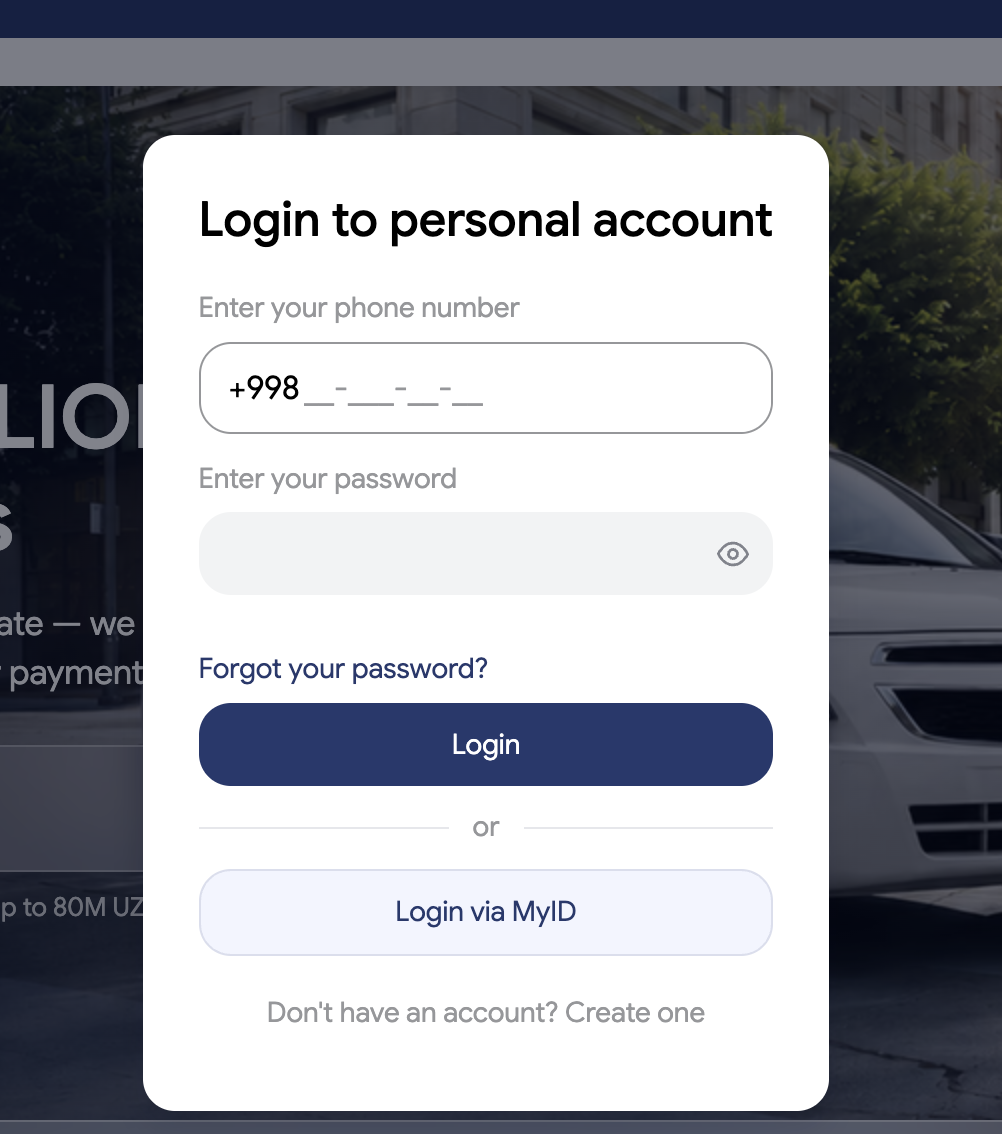
This week we shipped a feature I really care about: signing in to the insurance cabinet with MyID — Uzbekistan's national identity system — instead of a password. You tap one button, confirm with your face in the MyID app, and you're in. No password, no SMS code.
But between "the feature is built" and "the feature is released" there was a week of the real work: release preparation, and one bug that only existed on phones.
Shipping only what's ready
A release is as much about what you don't ship. Our policy-cancellation feature shares the same cabinet but wasn't ready, so I put it behind a double gate: its card on the cabinet home shows a "soon" badge and doesn't navigate, and anyone typing the page's address directly gets politely redirected away. Both gates are built to be removed with a two-line change on the day cancellation ships — hiding a feature should never be surgery, in either direction.
The bug: a face scan into a wall
Then testing on a real phone found something unpleasant. On desktop, MyID login worked perfectly. On a phone: tap the button, MyID app opens, the face scan succeeds, the app returns you to the site — straight onto the login page, as if nothing happened. No error, no explanation. The worst kind of failure: everything succeeds, and the result is silently thrown away.
Finding the cut string
On desktop, MyID opens in a popup window, and the main page waits behind it. When MyID finishes, the popup passes the login code back to the main window through a built-in browser connection — like two people on a phone call: one goes to fetch a document and reads it back aloud.
On a phone, that call physically cannot survive. There are no popups — the browser leaves the page entirely and switches to the MyID app for the scan. When the app sends you back, that's a fresh arrival: the returning page has nobody to shout to. The connection our code relied on — one condition, one line — no longer exists. So the login code arrived in the browser, found no listener, and the security guard did its job: unknown visitor, off to the login page. The scan was never the problem; the delivery was.
The fix: stop needing the string
The fix inverts the assumption. On phones we don't open anything: the page itself travels to MyID, and everything the return trip needs — where the user started, where they were heading — rides inside the request itself, in a field that MyID passes back untouched. When the code comes back, the app exchanges it for a login right on the spot, no second window required. Desktop keeps its faster popup; phones get a flow with nothing left to cut.
Testing this before release took some creativity: hand-crafted fake return links to prove the interception fires, a desktop browser disguised as a phone, and one real face scan where we watched our data ride through MyID's servers and come back intact. The lesson I wrote down for every future integration: never build a login return on a window-to-window connection — the moment a native app enters the flow, that string gets cut. Build the flow that survives the cut first, and add the popup as a luxury on top.